

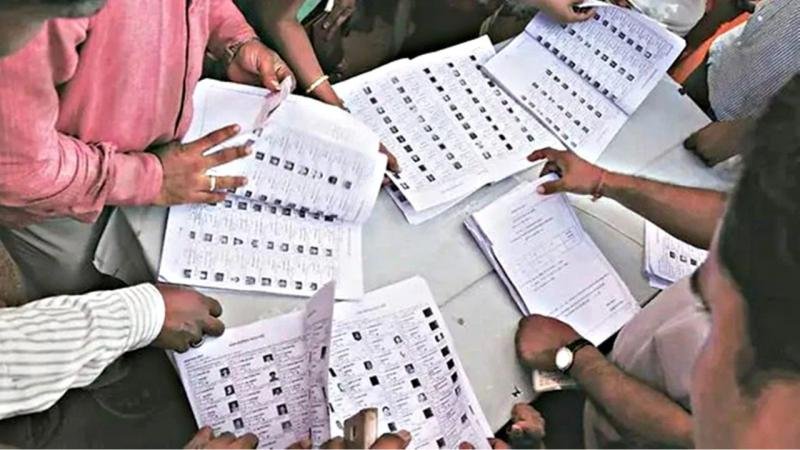


How to fill SIR Form: Election Commission of India (ECI) has launched the Special Intensive Revision (SIR) campaign, which aims to include in the voter list those eligible citizens of 12 states and union territories including Uttar Pradesh, Gujarat, West Bengal, who were left out during the survey of Booth Level Officers (BLOs). Now all such people can get their names added to the voter list by filling the SIR application form available online.
You can visit the official website voters.eci.gov.in to check whether your and family members’ names are present in the voter list or not. Book-a-Call with BLO feature is available on ECI Net App for technical support. Apart from this, for any information you can call the helpline number 1950 with STD code.
The SIR Form link will remain active from the start of the SIR campaign till 11 December 2025 (earlier the last date was 4 December). To fill the form, first go to the Voter Service Portal of the Election Commission or the CEO portal of the state. If you already have a Voter ID, enter your EPIC number and all your information will appear automatically. New voters will have to fill a new form.
Fill the information like name, age, gender, address in the form or correct the wrong information. After this upload recent passport size color photo (white background) and e-sign. Submit the form after checking all the details. Once submitted, you will get an Acknowledgment Slip and Reference Number, through which the status of the application can be tracked.
Documents acceptable are Age Certificate, Birth Certificate, Matriculation Certificate, Aadhaar or Passport. In case of change of address, new address proof will be required. After application, BLO may contact you for verification.